Stock firmware on modern Anbernic handhelds is a starting line, not a finish line. If you have lasted more than a week with the device, you have probably heard two names on repeat: MuOS (MustardOS) and Knulli (knulli.org).
This is not a fan-war post. Handheld Notes cares about what you will feel after the first evening of setup: menus, scraping, performance quirks, and whether you will dread updating. For the wider stack (firmware vs frontend vs cores), start with frontends and custom firmware for beginners.
We do not publish flash recipes, exploit steps, or “one zip to unlock everything” guides. Confirm your exact model is supported in each project’s current docs before you change anything, and use those docs for install specifics: MustardOS downloads / devices and the Knulli Quick Start Guide.
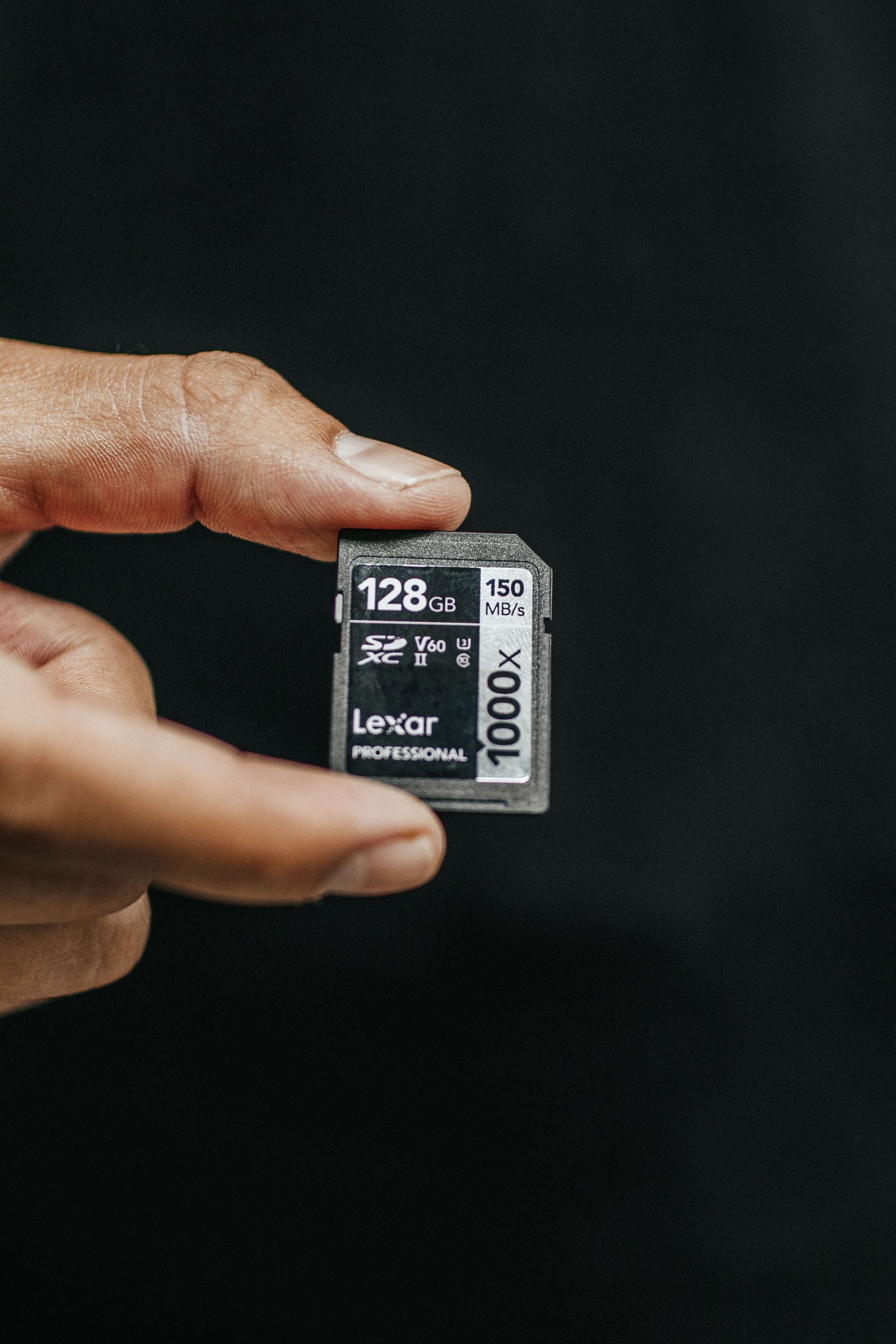
Image: Dual-card firmware choice mood — the removable card is the brain of the handheld. Credit: [Luis Quintero], [Pexels], [https://www.pexels.com/photo/person-holding-lexar-128gb-sd-card-1738641/]
Table of contents
Open Table of contents
The short version
| MuOS (MustardOS) | Knulli | |
|---|---|---|
| Documented vibe | “Easy, intuitive… jump straight into playing” | Batocera-lineage distribution with EmulationStation, scraper, RetroArch |
| Best if you want | Fast path from a successful image write to a game | Deeper tweaking, themes, pack structure, scraping |
| Learning curve | Usually gentler day one (Handheld Notes opinion) | Steeper if you poke every setting (Handheld Notes opinion) |
| Mental model | A polished handheld OS experience | A serious emulation distribution you shape |
Official framing, in the projects’ own words:
- MustardOS: “keep things easy, intuitive, and enjoyable… jump straight into playing your favourite games with minimal setup” (muos.dev). It also describes itself as configurable and themeable.
- Knulli: “a custom firmware for retro gaming devices… developed as a fork of Batocera,” with EmulationStation, RetroArch, cover-art scraping, netplay, and RetroAchievements listed as features (knulli.org).
If you want one sentence: MuOS for momentum, Knulli for control — with overlap, and with model-specific exceptions. That one-liner is Handheld Notes opinion, not a vendor slogan.
What both get right
Documented, not vibes:
- Both are independent of Anbernic. Anbernic’s product pages advertise a stock “Linux 64-bit” image (for example the RG35XX H); MuOS and Knulli are community firmware with their own device lists.
- Both publish device-specific support. MustardOS lists Anbernic RG28XX H through RGCUBEXX (and TrimUI) on muos.dev/devices. Knulli publishes per-device wikis such as RG35XX H and RG40XX V.
- Both treat the microSD as the install target. MustardOS: write the image with your usual tool, insert, power on (muos.dev). Knulli: download the image for your device, write it, boot, and let the installer finish (Install, Quick Start).
Handheld Notes opinion: neither is “official Anbernic,” and that is a feature. Independent firmware is why these devices age better than their unboxing tweets.
MuOS: where it shines
MustardOS’s own copy emphasizes a short path to play and room to tinker later (muos.dev). Handheld Notes opinion on how that feels in use:
Day-one clarity. MuOS tends to feel directed. You are less likely to drown in toggles before you have launched a single ROM.
Play-first UX. If your goal is “put GBA/SNES/PS1 on this thing and stop thinking,” MuOS often gets you there with fewer second guesses.
Good “family device” energy. Hand it to someone who isn’t terminally online; they will find games instead of configuration archaeology.
Watch-outs
- Opinionated defaults mean you may disagree with a choice and need to learn where MuOS hid the override
- If you bounce between multiple devices and want one identical toolkit everywhere, check whether your workflow is actually MuOS-shaped
- Always read the release notes for your board revision — silent hardware changes love breaking assumptions. MustardOS currently labels the train 2601.1 Funky Jacaranda on the device list; verify that page on the day you download.
Knulli: where it shines
Knulli’s own pages put it in the Batocera lineage, with EmulationStation on GPU devices, scraper support, RetroArch, and a large settings surface (About Knulli, RG35XX H wiki). Handheld Notes opinion on how that feels:
Depth without starting from zero. More knobs, more ways to shape performance, themes, and pack structure.
Tinkerers stay longer. If you enjoy tuning governors, cores, shaders, and scraping pipelines, Knulli usually feels like home rather than a locked showroom.
Setup portability mindset. People who maintain careful ROM + metadata layouts often prefer distributions that do not fight that habit. Knulli’s Quick Start even distinguishes a first SD (OS) from a second card for games, themes, and saves (Quick Start).
Watch-outs
- Power is also rope: it is easier to “improve” something into instability
- First boot can feel busier. Knulli itself warns that first boot “can take quite long” while it expands and formats the games partition (Quick Start). Budget a calm evening, not a five-minute café flash.
- Advice you find in old threads may target sibling distros — including older Batocera handheld betas. Knulli’s FAQ explains why that fork exists (Questions about Knulli). Verify advice against current Knulli on your model.
- Major version jumps can require a clean install. Knulli’s Scarab notes say the partition table changed and that
systemconfigs from Gladiator II are not compatible (knulli.org).
Side-by-side: the decisions that actually matter
Installation pain
Both are “write an image, don’t format the wrong card” exercises. Follow the project docs, not a TikTok speedrun. We will not duplicate those steps.
The real risk is rushing. Handheld Notes opinion on hygiene:
- Backup saves before you touch the slot
- Use a known-good, appropriately fast microSD
- Follow the device-specific guide from the project
- Keep a way back (stock image or documented recovery)
MuOS often feels quicker to first successful game launch. Knulli often feels like you have installed a system you will keep molding. Your patience budget picks the winner.
UI and library feel
- MuOS: fewer “what is this menu” moments; strong for curated play (Handheld Notes opinion)
- Knulli: EmulationStation plus scraper support are documented features (knulli.org). Stronger if you live in scraping and metadata.
We are not pairing menu screenshots here. Compare your own device after a spare-card install — same games, same afternoon, fewer arguments.
Performance quirks
Emulation performance is rarely “the OS is faster” in a cartoon way — it is defaults, governors, cores, and whether someone already solved your exact game. Handheld Notes practical rule:
- Pick the firmware with current, model-specific notes for your hardest target system
- Change one variable at a time when something stutters
- Don’t chase 60fps screenshots if 55fps stable play is already fun
Updates and breakage
Expect occasional regressions. Independent firmware moves faster than corporate QA. Knulli’s Scarab post is an existence proof: a major update that tells you to re-flash (knulli.org). Habit that saves friendships:
- Read changelogs
- Don’t update the night before a trip
- Keep a last-known-good card or image if you depend on the device daily
Which should you install?
Choose MuOS if: you want less ceremony, share the device, or you are coming from stock and feeling brave but not masochistic. (Handheld Notes opinion, matching MustardOS’s “minimal setup” pitch.)
Choose Knulli if: you already know you will tweak, you care about a flexible pack layout, or you tried a simpler OS and felt fenced in.
Try both if: you have a spare card. Dual-card A/B testing beats argument threads. Several current Anbernic XX handhelds ship dual TF slots (see Anbernic’s RG35XX H specs). Keep saves backed up and compare your top 20 games, not someone else’s benchmark spreadsheet.
A sane migration checklist
- Dump or export saves and note your core list
- Photograph button-mapping screens you like
- Write the new image on a second card (Knulli’s install page also says to leave other slots empty on first boot — Install)
- Smoke-test: boot → controls → one 2D game → one heavier game → sleep/wake
- Only then rebuild the full library
Image: Firmware migration checklist mood. Credit: [Jakub Żerdzicki], [Unsplash], [https://unsplash.com/photos/checking-items-off-a-list-on-a-notepad-VKnmszzzTig]
Good fit
Handheld Notes opinion, aligned with each project’s own pitch:
- MustardOS / MuOS is a good fit if you want less ceremony, share the device, or you are coming from stock and feeling brave but not masochistic. That matches MustardOS’s “jump straight into playing… with minimal setup” copy (muos.dev).
- Knulli is a good fit if you already know you will tweak, you care about EmulationStation + scraping, or you tried a simpler OS and felt fenced in. Those features are documented on knulli.org.
- Trying both is a good fit if you have a spare card. Several current Anbernic XX handhelds ship dual TF slots (RG35XX H). Compare your top 20 games.
Confirm the exact model on MustardOS devices or the matching Knulli wiki (RG35XX H, RG40XX V) first.
Poor fit
Handheld Notes opinion:
- MuOS is a poor fit if you bounce across many devices and need one identical toolkit everywhere, or you dislike opinionated defaults you have to hunt down.
- Knulli is a poor fit if you only have a five-minute café window (first boot “can take quite long” — Quick Start), or you update the night before a trip without reading a changelog. Major jumps such as Scarab can require a clean install (knulli.org).
- Both are a poor fit if you will not backup saves, you refuse to follow the project’s own docs, or your exact board is missing from the current support lists. We do not publish flash recipes.
Conclusion
MuOS and Knulli are two good answers to the same problem: stock firmware is rarely where enthusiasts stay. MuOS optimizes for getting out of the way. Knulli optimizes for letting you in. Pick based on how much you want to live in settings menus — then verify support for your exact Anbernic model on muos.dev or knulli.org before you write an image.
Handheld Notes is an independent enthusiast publication. We are not affiliated with Anbernic, MustardOS / MuOS, or Knulli.
Sources
- MustardOS / MuOS — project philosophy, install overview, hotkeys.
- MustardOS supported devices — Anbernic and TrimUI ports; current release label.
- Knulli — Batocera fork, feature list, Scarab major-update notes.
- Knulli Quick Start Guide
- Knulli Install
- Knulli RG35XX H device wiki
- Knulli RG40XX V device wiki
- Questions about Knulli — relationship to Batocera handheld betas.
- ANBERNIC RG35XX H product page — stock Linux image; dual TF slots.