If you only remember one thing from this guide: buy for the games you actually play, not the highest chip on the spec sheet.
Anbernic’s current Linux handhelds share a similar Allwinner H700 generation across several shapes — vertical “Game Boy–shaped” devices such as the RG40XX V, horizontal layouts such as the RG35XX H, and the square-screen RG CubeXX. They do not feel alike in the hand. This is how we sort that mess at Handheld Notes, without the brochure tone. If you are still deciding whether a handheld is even your hobby, start with how to choose your first handheld and come back here when the question is which Anbernic shape to order.
Table of contents
Open Table of contents
- Who this guide is for
- Step 1: Decide your “home” library
- Step 2: Form factor is not a side quest
- Step 3: A practical 2026 shortlist (by job, not hype)
- Step 4: Budget tiers (what the money actually buys)
- Step 5: Stock OS vs custom firmware (buying implication)
- Red flags (walk away)
- Quick decision tree
- Good fit
- Poor fit
- Conclusion
- Sources
Who this guide is for
- First-time buyers staring at ten model names that all start with “RG”
- People upgrading from a cheap clone or an older XX unit
- Anyone who keeps almost-buying, then talking themselves out of it
Step 1: Decide your “home” library
Before model numbers, pick the era you care about most.
Handheld Notes opinion: treat the table below as a buying heuristic, not a benchmark spreadsheet. Chipset marketing on product pages lists “30+ emulators”; that is not the same as comfortable play.
| Priority library | What “good enough” usually means | Don’t overpay for |
|---|---|---|
| 8-bit / 16-bit (NES, SNES, Genesis, GB/GBC/GBA) | Almost any recent XX-class H700 device | Ultra-premium SoCs |
| PS1 / N64 / Dreamcast / PSP (light–medium) | Mid-tier XX / cube devices with a sane custom firmware | Tiny screens if you play a lot of 3D |
| Heavier PSP / some Dreamcast / early GameCube-ish curiosity | Higher-tier handhelds; expect compromise | “It runs everything” marketing |
Handheld Notes opinion: if 80% of your backlog is GBA and SNES, a quieter, cheaper horizontal or vertical XX will make you happier than a flagship you baby.
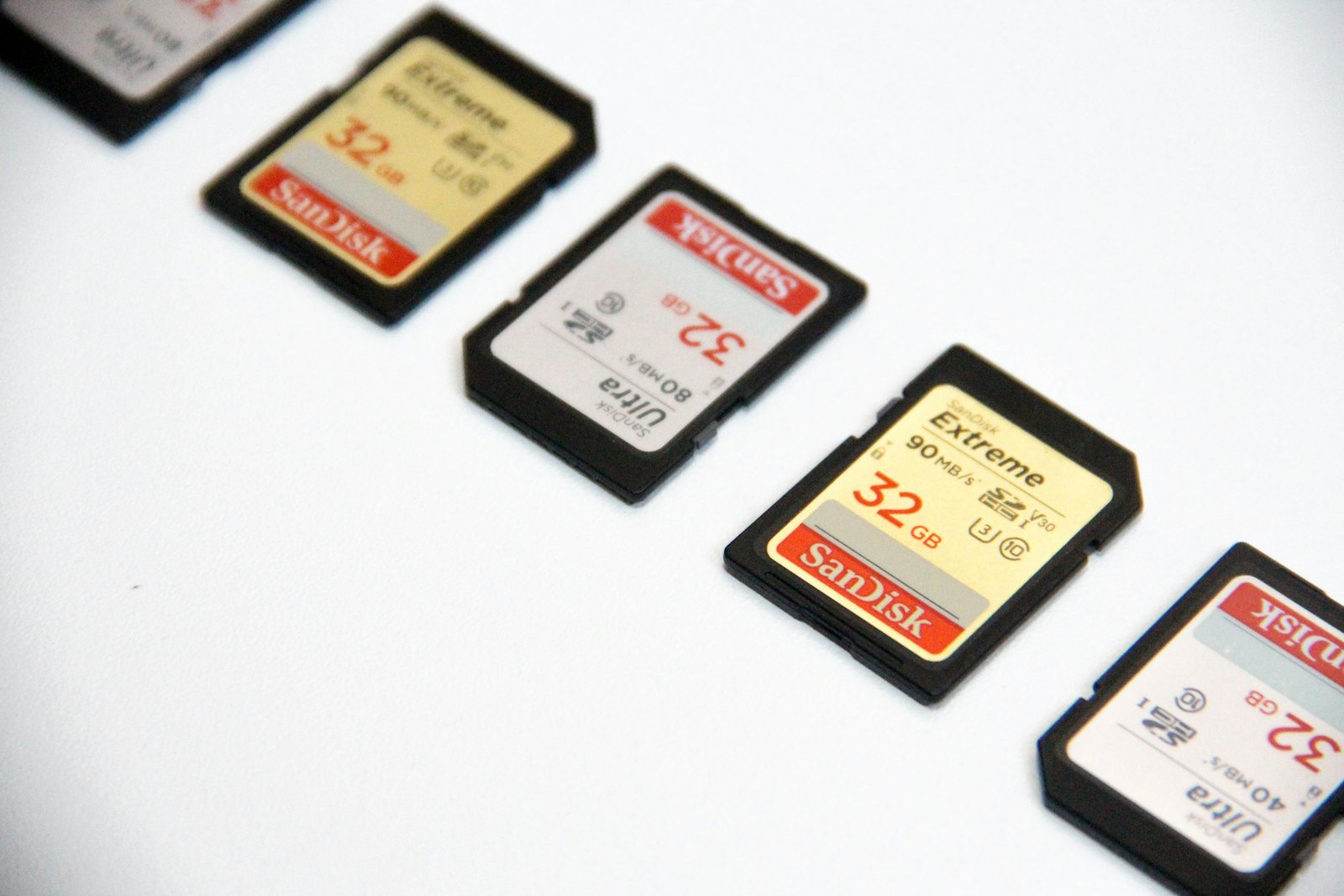
Image: Storage cards as a stand-in for the library you actually play. Credit: [Denise Jans], [Unsplash], [https://unsplash.com/photos/black-and-white-nintendo-game-cartridge-aHMNLyogUGg]
Step 2: Form factor is not a side quest
Anbernic documents the shapes in public listings:
- Vertical (RG40XX V family). Anbernic’s RG40XX V page specifies a 4.0-inch 640×480 IPS panel. MustardOS describes it as a vertical with a singular analogue stick (supported devices).
- Horizontal (RG35XX H family). The RG35XX H listing specifies a 3.5-inch 640×480 IPS panel in a landscape body. MustardOS calls it a “hardy horizontal” (supported devices).
- Cube / square screen (RG CubeXX). The RG CubeXX listing specifies a 3.95-inch 720×720 IPS panel and a 15.72 × 8.96 × 1.79 cm shell.
Handheld Notes opinion: verticals are great for one-hand commute play and “I grew up on Game Boy” nostalgia, and worse if you want dual analogs and long PSP sessions. Horizontals are the default recommendation for mixed libraries. Cubes buy screen real estate and menu space; they are bulkier in a jacket pocket.
Handheld Notes rule of thumb: if you cannot decide, start horizontal mid-tier. It is the least regretful shape for mixed libraries.
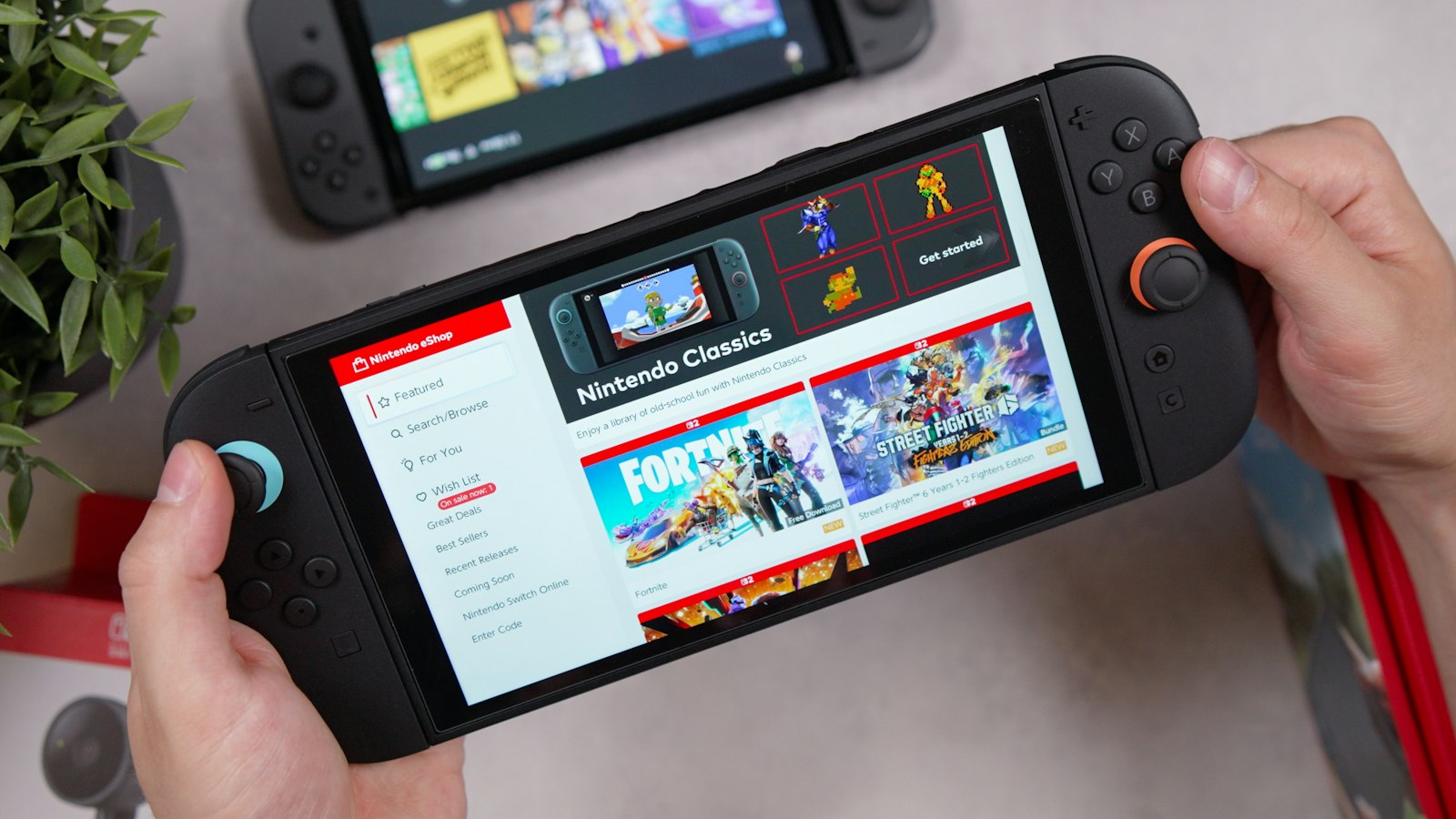
Image: Landscape handheld in two-handed use — form-factor mood, not an Anbernic product shot. Credit: [Daniel Romero], [Unsplash], [https://unsplash.com/photos/someone-is-holding-a-handheld-gaming-console-aI_iuLprkK4]
Step 3: A practical 2026 shortlist (by job, not hype)
We intentionally avoid a ranked “best overall” crown. Devices change firmware personality overnight; jobs don’t. Confirm the exact model string against current listings and against firmware device lists before you pay.
- “My first proper Anbernic” — Mid-tier horizontal XX-class such as the RG35XX H. Wide custom-firmware support: it appears on both the MustardOS device list and the Knulli RG35XX H wiki.
- “I mostly want Game Boy energy” — Vertical XX such as the RG40XX V. Check daylight readability in recent videos, not only indoor shelf photos. Supported on MustardOS and the Knulli RG40XX V wiki.
- “I play PSP more than Pokémon” — Prioritize a larger or sharper panel in the current lineup (the CubeXX’s 720×720 screen is the documented jump versus 640×480 XX panels). Budget extra time for firmware tuning.
- “I want one device and I’ll tinker” — Whatever model has the healthiest MuOS / Knulli community threads this quarter. Handheld Notes opinion: community support beats a 5% CPU bump.
Check current stock and revision notes before you buy. Silent hardware revisions are real; buy from sellers who list the exact model string. Knulli’s current notes call out revised H700 devices in the RG XX series (Knulli home).
Step 4: Budget tiers (what the money actually buys)
Street prices move. As of this writing, Anbernic’s own UK/EU-facing listings show the RG35XX H and RG CubeXX in a similar mid-range band — treat live cart prices as the source of truth, not a screenshot.
- Entry: Fine for 2D-first libraries. Expect okay screens, okay batteries, and a reason to learn custom firmware early.
- Mid: Handheld Notes opinion: sweet spot for most readers — better controls, better panels, still a sane price if you brick a microSD experimenting.
- High: Buy this for screen, ergonomics, and headroom — not because a chart said it “crushes GameCube.” Assume you will still configure cores like an adult.
Also budget outside the handheld: a quality microSD, a case, and optionally a grip. Several current Anbernic XX handhelds use dual TF slots with expansion listed up to 512 GB (see the RG35XX H, RG40XX V, and RG CubeXX specs). Handheld Notes opinion: a $10 card failing mid-trip ruins more weekends than buying “one tier down.” Our cases and grips under $30 notes cover the boring, useful loadout.
Step 5: Stock OS vs custom firmware (buying implication)
Out of the box is a smoke test. These devices ship a vendor Linux image (Anbernic lists “Linux 64-bit” on the pages above). Independent firmware is documented separately: MustardOS / MuOS and Knulli both publish device-specific support lists. For the conceptual split (stock vs community images, frontends vs cores), see frontends and custom firmware for beginners. For which of the two common Anbernic images to try first, see MuOS vs Knulli.
Handheld Notes opinion: long-term, most of our readers end up on community firmware. That means:
- Prefer models with active custom-firmware ports
- Prefer devices people still post configs for
- Treat “exclusive stock features” as temporary
If you hate tinkering, buy simpler and smaller libraries — or accept you will follow a project’s own setup guide once and then leave it alone. We do not publish flash recipes.
Red flags (walk away)
- Listings that will not confirm the exact model / revision
- “Fully loaded” cards sold as the product (you want a clean device plus your own SD workflow)
- Used units with grinding shoulder buttons, sticky analogs, or mystery firmware and no reset path
- Paying flagship money for a library that never leaves SNES
Quick decision tree
Handheld Notes opinion:
- Mostly 2D + light PS1 → mid horizontal (or vertical if that’s your romance).
- PSP-heavy → prioritize screen, then custom-firmware maturity.
- Love tinkering → prioritize the firmware community, then form factor.
- Hate tinkering → smaller library goals, fewer cores, one trusted setup guide from muos.dev or knulli.org.
Good fit
Handheld Notes opinion. This guide is a good fit if you:
- Are staring at ten “RG” model names and need a library-first shortlist, not a crown
- Mostly play 8-bit / 16-bit plus light PS1, and can live on an H700 XX such as the RG35XX H or RG40XX V
- Care more about shape (vertical vs horizontal vs CubeXX) than about the highest chip on the spec sheet
- Will check MustardOS or Knulli support for the exact string before you pay
Poor fit
Handheld Notes opinion. Walk away from this buying frame (and from specific listings) if you:
- Want a device that “runs everything” through GameCube/Switch-class titles without settings work — Anbernic’s own pages advertise “30+ emulators,” not a finished living-room box (RG35XX H)
- Will only buy a “fully loaded” card as the product
- Cannot get the seller to confirm the exact model / revision (silent H700 revisions are real enough that Knulli calls them out)
- Are paying flagship money for a library that never leaves SNES
Conclusion
Anbernic in 2026 is less “which SoC wins” and more “which shape you’ll actually take to the couch.” Match the library, pick a form factor you will not resent, stay in the mid-tier unless you have a specific screen or ergonomics reason — and assume firmware, not the unboxing, is where the device becomes yours.
Handheld Notes is an independent enthusiast publication. We are not affiliated with Anbernic or any handheld manufacturer.
Sources
- ANBERNIC RG35XX H product page — 3.5-inch 640×480 IPS, H700, Linux 64-bit, dual TF slots, included screen protector.
- ANBERNIC RG40XX V product page — 4.0-inch 640×480 IPS, H700, Linux 64-bit, dual TF slots.
- ANBERNIC RG CubeXX product page — 3.95-inch 720×720 IPS, shell dimensions, dual TF slots.
- MustardOS supported devices — current Anbernic ports, including RG35XX H, RG40XX V, and RGCUBEXX.
- MustardOS / MuOS — project overview (custom firmware; install specifics live on that site).
- Knulli — project overview; notes revised H700 devices in the RG XX series.
- Knulli RG35XX H device wiki
- Knulli RG40XX V device wiki
- Knulli Quick Start Guide — send readers here for install specifics; we do not reproduce flash steps.